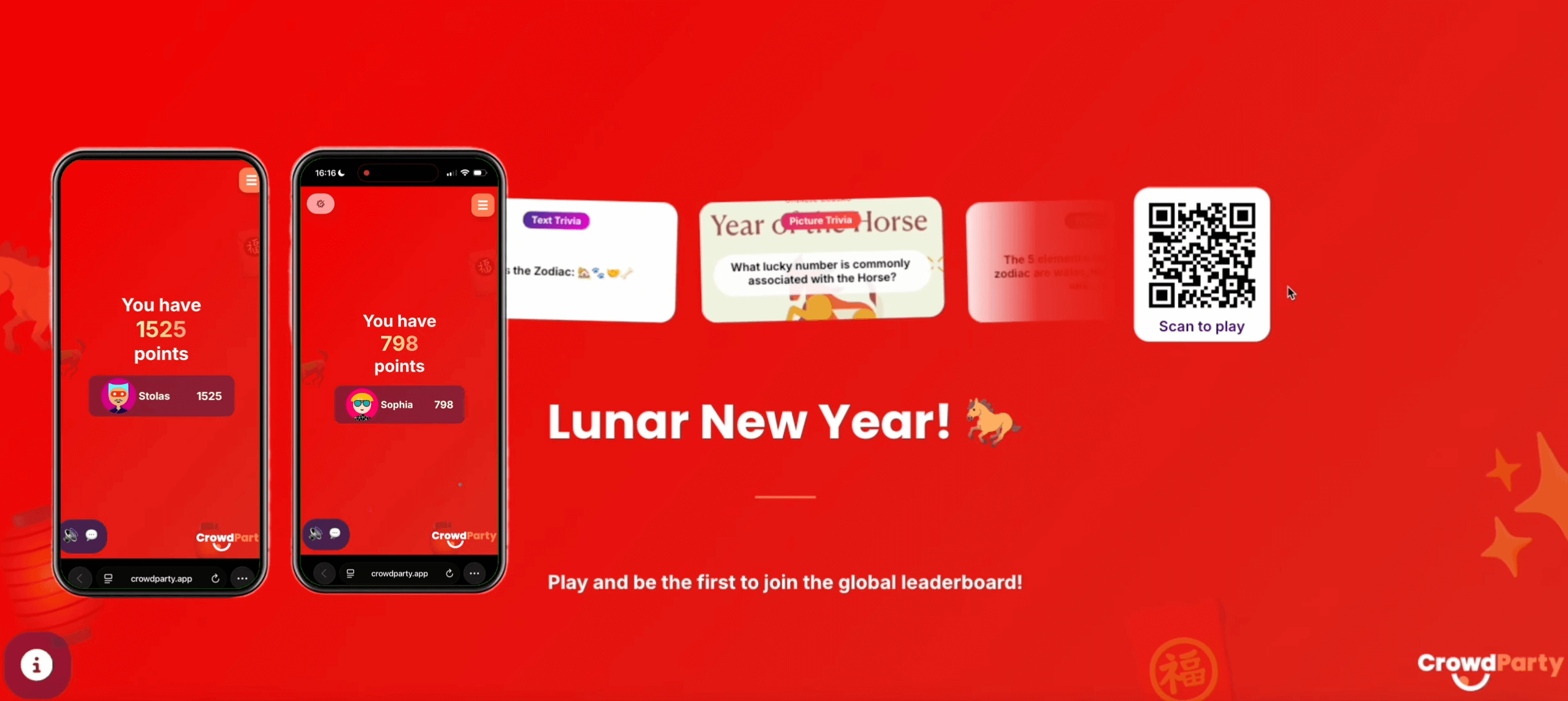
In this guide, we’ll walk through exactly how to host an async game on CrowdParty, how players join, and why it’s perfect for all teams.
What Is Asynchronous Play?
Asynchronous (async) play allows participants to complete a game on their own time instead of joining live.
Ways Teams Utilize Asynchronous Play:
- Month-long CrowdParty games to celebrate International Women's Month
- Week-long CrowdParty games to celebrate Employee Appreciation Day
- Onboarding week to welcome new hires! (This can be a standard room that your company creates each time you hire someone new!)
- An ongoing game at conferences which attendees can play at any time
- Vendor and marketing activation booths
- A 3-day CrowdParty game at a team offsite where the top 5 players are given prizes
- Displaying a live weekly CrowdParty leaderboard on an in-office display
Step 1: Log Into Your CrowdParty Account
After logging into CrowdParty:
- Click on My Rooms

Here, you will see your room library, including rooms you’ve played before or customized!

Step 2: Choose Your Game and Click Host
Select the game you’d like to run (for example, Lunar New Year party, trivia room, or a custom game!).
Then click Host Game!

It will give you an option to choose between Hosting Live, or Hosting Asynchronously.

For this tutorial, select Create Async.
Step 3: Switch Your Room to Public
When creating an async game, CrowdParty will prompt you to switch your room to public.

Why? Because async games use a shareable link so players can join anytime.
Click Switch to Public, and your async game will be set up!
Step 4: Share the Async Links With Your Players
Once created, the host will receive:
- 🔗 A player link (to send to participants)
- 🏆 A leaderboard link (to track results)

Players can join through two ways:
- 📱 Scan the QR code
- 🔗 Click the shareable link shared by your host

Step 5: How Async Play Works for Players
Once players join, they are able to complete the questions at their own pace from anywhere! This makes it ideal for teams spread across time zones or working different hours.

Step 6: Leaderboards & Competition
Even though players aren’t playing live, if you answer questions swiftly and correctly, you'll end up on the leaderboard!

Step 7: Host Insights & Analytics
Once all players have completed the questions, hosts are able to:
- Review each question
- See what answers players picked
- Compare team performance

Why Async Games Are Perfect for All Teams
Asynchronous games are ideal for:
- Global companies
- Remote-first teams
- Hybrid workplaces
- Employees in different countries
- Employees with flexible work schedules
Async brings joy to your team, even when you're miles apart!